Background
Many websites use various CSS styles, and some of them are hard to read. One way to improve readability is to use a browser extension; another is to build your own readability tool as a website. There are plenty of languages and implementations to choose from — in this post I'll use Go. You'll see how simple it is.
You can find all the code on my GitHub repository here
Do it
Start by reading the example code for go-readability to understand its functionality and usage.
You can write the following code, which can be used as a command-line interface (CLI) tool.
package main

import (
	"flag"
	"fmt"
	"log"
	"os"
	"time"

	readability "github.com/go-shiori/go-readability"
)

func extract(url string) readability.Article {
	article, err := readability.FromURL(url, 30*time.Second)
	if err != nil {
		log.Fatalf("failed to parse %s, %v\n", url, err)
	}

	fmt.Printf("Title   : %s\n", article.Title)
	fmt.Printf("Author  : %s\n", article.Byline)
	fmt.Printf("SiteName: %s\n", article.SiteName)
	fmt.Printf("Content : %s\n", article.Content)

	return article
}

func main() {
	var inputurl string
	flag.StringVar(&inputurl, "url", "", "URL")
	flag.Parse()

	if inputurl == "" {
		flag.Usage()
		os.Exit(1)
	}

	extract(inputurl)
}
It works as expected.
However, a terminal isn't always available. In that case, you can run it as a web server using Go's http package and the html/template library. (Full disclosure: ChatGPT wrote this demo for me — it only took about five minutes.)
index.html
<!DOCTYPE html>
<html>
<head>
	<title>Extract Article Content</title>
</head>
<body>
	<h1>Extract Article Content</h1>
	<form action="/read" method="post">
		<label for="url">Enter URL:</label>
		<input type="text" id="url" name="url">
		<input type="submit" value="Extract">
	</form>
</body>
</html>
article.html
<!DOCTYPE html>
<html>
<head>
	<title>Article Content</title>
</head>
<body>
	<h1>{{.Title}}</h1>
	{{if .ErrorMsg}}
		<p>{{.ErrorMsg}}</p>
	{{else}}
		<div class="content">
			{{.Content | safeHTML}}
		</div>
	{{end}}
</body>
</html>
main.go
var (
    tmpl = ....
)
func main() {
	http.HandleFunc("/", index)
	http.HandleFunc("/read", read)

	log.Fatal(http.ListenAndServe(":8080", nil))
}


func index(w http.ResponseWriter, r *http.Request) {
	err := tmpl.ExecuteTemplate(w, "index.html", nil)
	if err != nil {
		http.Error(w, err.Error(), http.StatusInternalServerError)
	}
}

func read(w http.ResponseWriter, r *http.Request) {
	url := r.FormValue("url")

	article, err := readability.FromURL(url, 30*time.Second)
	if err != nil {
		render(w, Article{URL: url, ErrorMsg: err.Error()})
		return
	}

	render(w, Article{URL: url, Title: article.Title, Content: article.Content})
}

func render(w http.ResponseWriter, data Article) {
	err := tmpl.ExecuteTemplate(w, "article.html", data)
	if err != nil {
		http.Error(w, err.Error(), http.StatusInternalServerError)
	}
}
Implementing it as a web server is also straightforward.
Pack
Once the web server works, it's a good idea to package it into a Docker image.
You'll also need to ship index.html and article.html. In Go, embed lets you bundle them into the binary:
var (
	//go:embed *.html
	tmplFiles embed.FS

	funcMap = template.FuncMap{
		"safeHTML": func(content string) template.HTML {
			return template.HTML(content)
		},
	}

	tmpl = template.Must(template.New("article.html").Funcs(funcMap).ParseFS(tmplFiles, "article.html", "index.html"))
)
embed will embed files at compile time.
Docker
Dockerfile
Go binaries are cross-platform, so you can copy the compiled binary into a minimal base image. Here's an example Dockerfile:
Sample:
FROM alpine:latest
RUN mkdir /app
WORKDIR /app
COPY . .
CMD ["/app/readability"]
Build the binary first, then copy it into the image:
CGO_ENABLED=0 GOOS=linux go build -o readability
(The example Dockerfile above assumes the binary is already compiled.)
I have also written a simple tool called nestg for packing binary files into a Docker image. You can find it at share/nestg
Usage of nestg:
  -b string
        go build flags
  -i string
        image name
  -p string
        port
Use nestg
nestg -i abcdlsj/readability -p 8080
Run
After building the Docker image, you can run it using the following command:
docker run -it --rm -p <HOST_PORT>:8080 abcdlsj/readability
Now you can access the website at http://localhost:<HOST_PORT>.
That's everything you can build within ten minutes. Now let's optimize it!
Optimize
Handling double slashes
URL parameters make the tool more useful. I tried putting the target HTTP URL directly in the path, but hit a parsing problem.
For example, when you make a request to https://xxx.com/read/https://nautil.us/mirror-image-life-412729/, the appended path becomes https:/nautil.us/mirror-image-life-412729 due to the modification of // to /. This behavior is a result of the following explanation from the documentation:
ServeMux also takes care of sanitizing the URL request path and the Host header, stripping the port number and redirecting any request containing . or .. elements or repeated slashes to an equivalent, cleaner URL.
This information was obtained from the documentation found at net/http#ServeMux
I came across some useful links that discuss this issue:
- Stack Overflow - URL-escaped parameter not resolving properly
- Stack Overflow - How do I get Go's net/http package to stop removing double slashes?
- Github issue - net/http: ServeMux forcibly cleans double forward slash in URLs even when behaving as a gateway
The suggested solutions are gorilla/mux or a custom ServeMux. With gorilla/mux, you just call SkipClean(true) and the double slashes are preserved.
http.Redirect clean double slashes
However, I encountered another issue when using redirects after submitting a link form. The redirect operation also removes the double slashes from the URL path, and unfortunately, gorilla/mux does not support handling this situation.
http.Redirect internally calls path.Clean(url), which also collapses double slashes.
See the source: server.go
Luckily, there's a workaround: escape the / characters as %2F so the redirect doesn't collapse them.
You can find this version of the code at readability - 909fcb5e80fe. Please note that there are some additional adjustments made as well.
Pictures
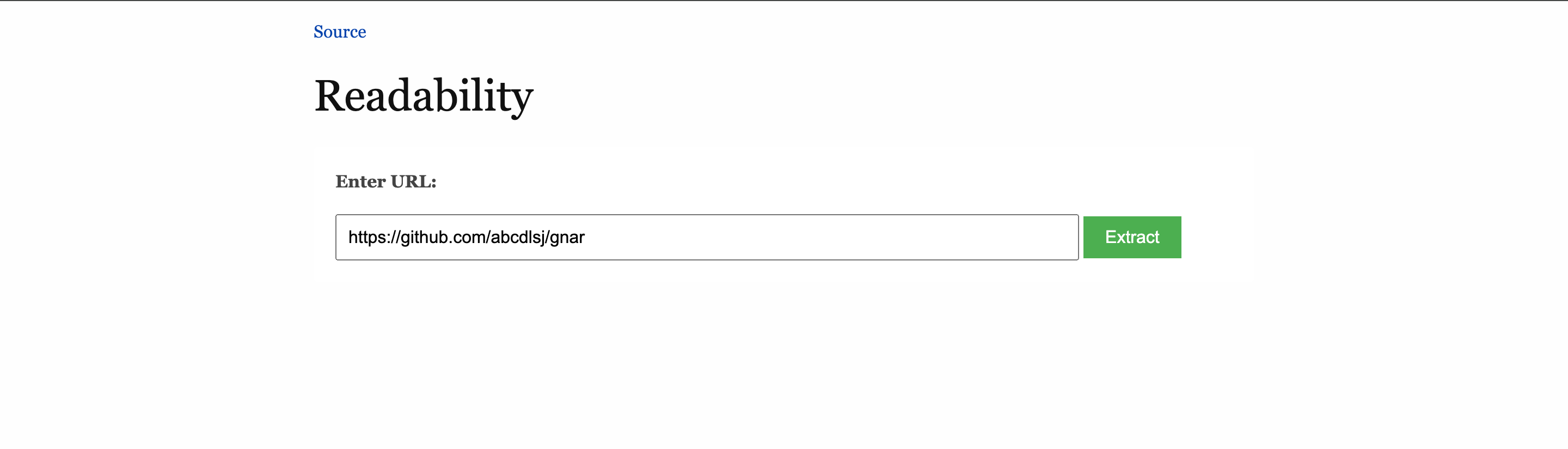
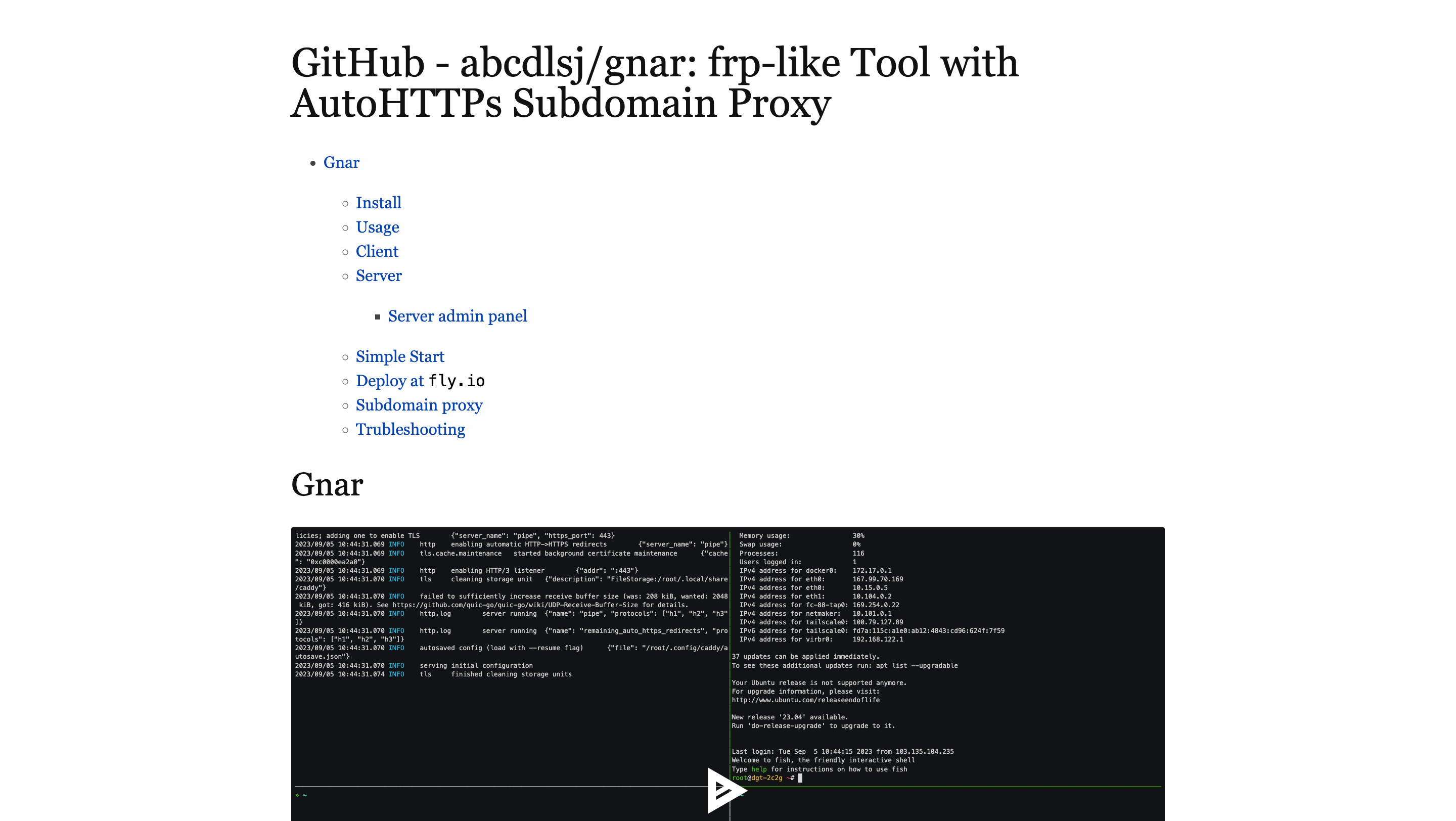
After adding some simple CSS to the HTML template, you will see the result:
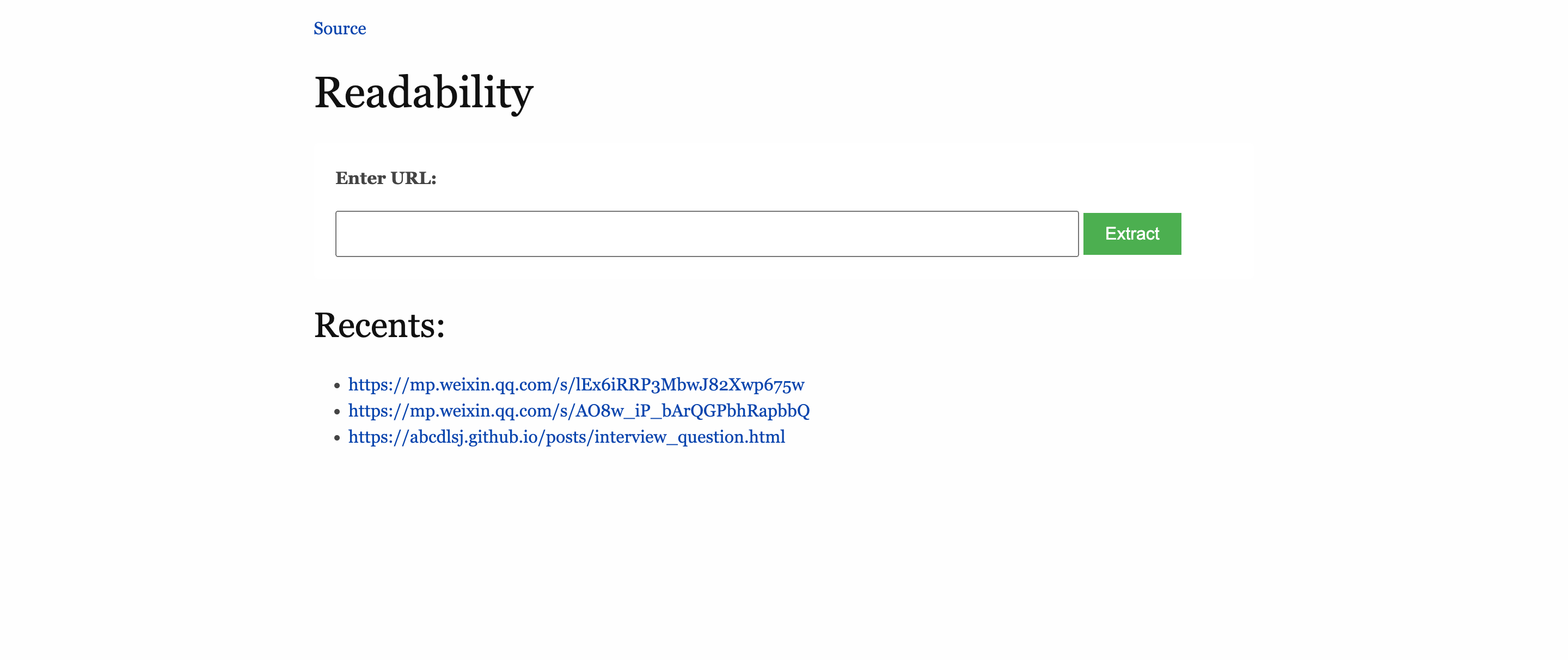
04/14/2024 Update:
Added a recently-viewed list usingRedis— alistfor history and azsetfor view counts. commit.
Conclusion
This is a small weekend project.
Thanks for reading!